
Persistent Context in AI-IDE Workflows
Explore how persistent context in AI-IDE workflows enhances coding efficiency and collaboration with tools designed to remember project specifics.
Quick navigation
Tired of saying the same thing to AI tools? Keeping context in AI-IDE set-ups fixes this by letting AI remember your project info, how you code, and past talks. This takes away the "translation tax" - the hard work of saying what you need over and over - and lets AI give steady, made-for-you help over time.
Two big tools in this area, CodeRide and Cipher, handle lost context in their own ways:
- CodeRide: Makes big projects simple by keeping rules specific to the project and fitting well into known IDEs like VS Code. It works well for teams but might cost after the free trial ends.
- Cipher: Has a two-part memory system (fast recall and deep thinking), perfect for developers who like a tool they can change, and that is open-source. But, it needs a setup that takes more work and uses more system power.
Fast Look
| Point | CodeRide | Cipher |
|---|---|---|
| Price | Free to try, then pay | Free, made by all |
| Easy to Set Up | Not hard to put in | Hard, need know-how |
| Memory Type | One layer, just for tasks | Two layers (fast + deep) |
| Work with Others | Not many tools to use | Space for team to share |
| Works with IDEs | Fits well with top IDEs | Wide use, but hard set up |
Each tool keeps the key facts but serves different aims. Pick CodeRide for simple team use or Cipher for more freedom and less cost.
Stop AI From Breaking Your Project With This Simple Memory Trick - Context Engineering 101 (Lovable)
1. CodeRide
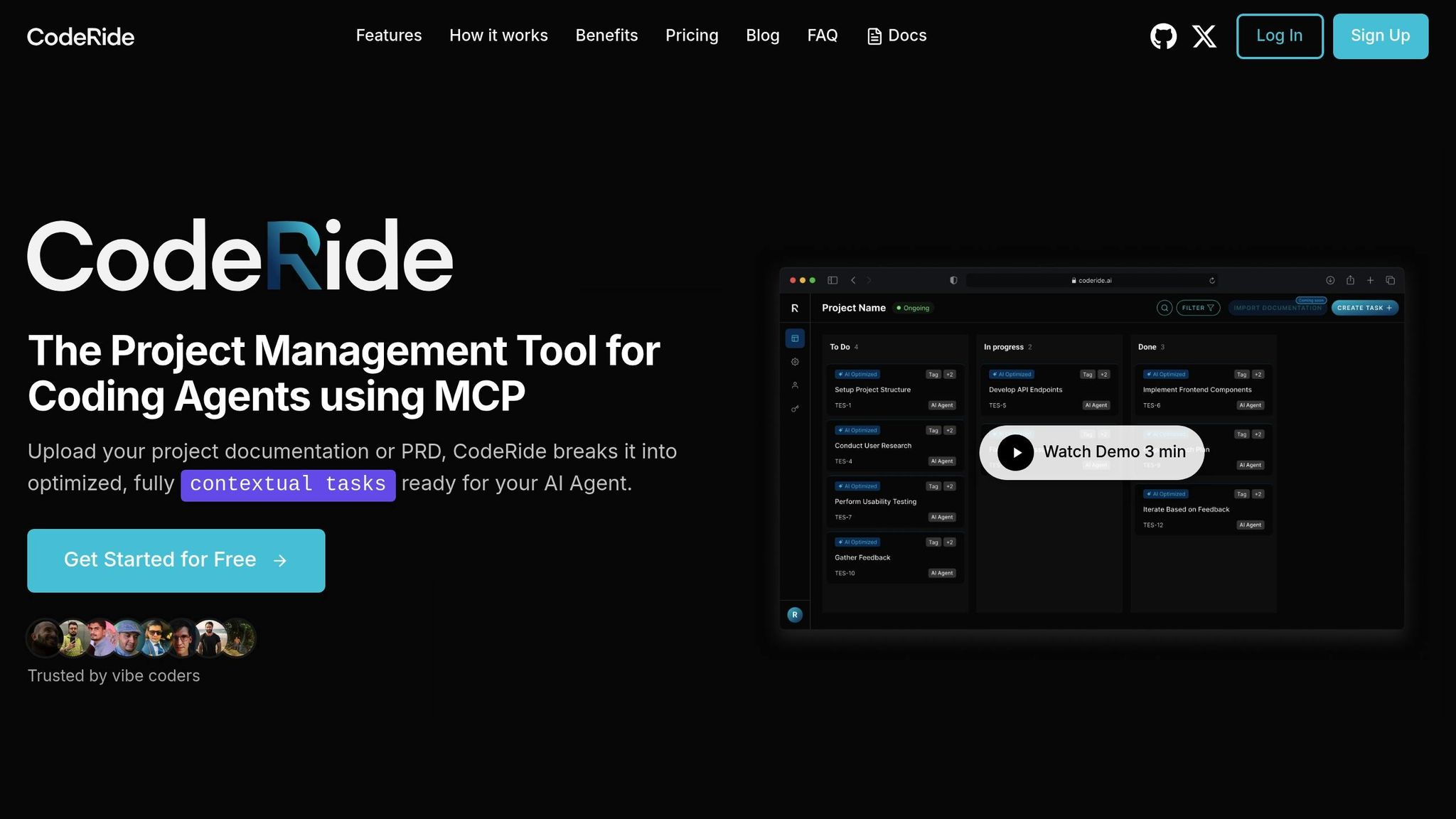
CodeRide helps stop the loss of meaning in AI coding by making a place where AI can keep a full grip on your project. Federico Neri, who made CodeRide, talks about why he did it:
"We built this after getting tired of repeatedly explaining project architecture to AI assistants every single session. After many project restarts using AI code editors, we knew there had to be a better way." [2]
Keeping Everything Right
With CodeRide, each big or small choice, need, and rule for writing code is kept safe. This makes sure the AI knows all about your code place, letting it offer code that fits right in with what you have set before. By keeping this deep know-how, the AI adds new code into your work in a way that matches well and feels right. [1]
Making Tasks Easier
CodeRide cuts out the need to say things over and over. Each job comes with ready-made hints that have all the needed info about the project. This saves time and makes making things faster. This way fits right into the cool tools of CodeRide’s IDE, making sure your work keeps going smooth and fast.
Working with IDEs
Thanks to its top talk tech, MCP, CodeRide works like a charm with well-known IDEs like VS Code, Cursor, and GitHub Copilot. The AI starts making things on its own right away, not messing up your usual way to code. Joy Wang, who uses CodeRide, talks up its big help:
"CodeRide feels like a true upgrade for AI-powered development - the context awareness means I don't have to repeat myself, and tasks get done with precision. It's streamlined, smart, and fits right into my coding workflow." [2]
Also, CodeRide cuts down on extra context sharing, which makes token use better and boosts the quality of AI work. This makes sure that the use of computer tools is done well, making things both fast and right. [1]
2. Cipher
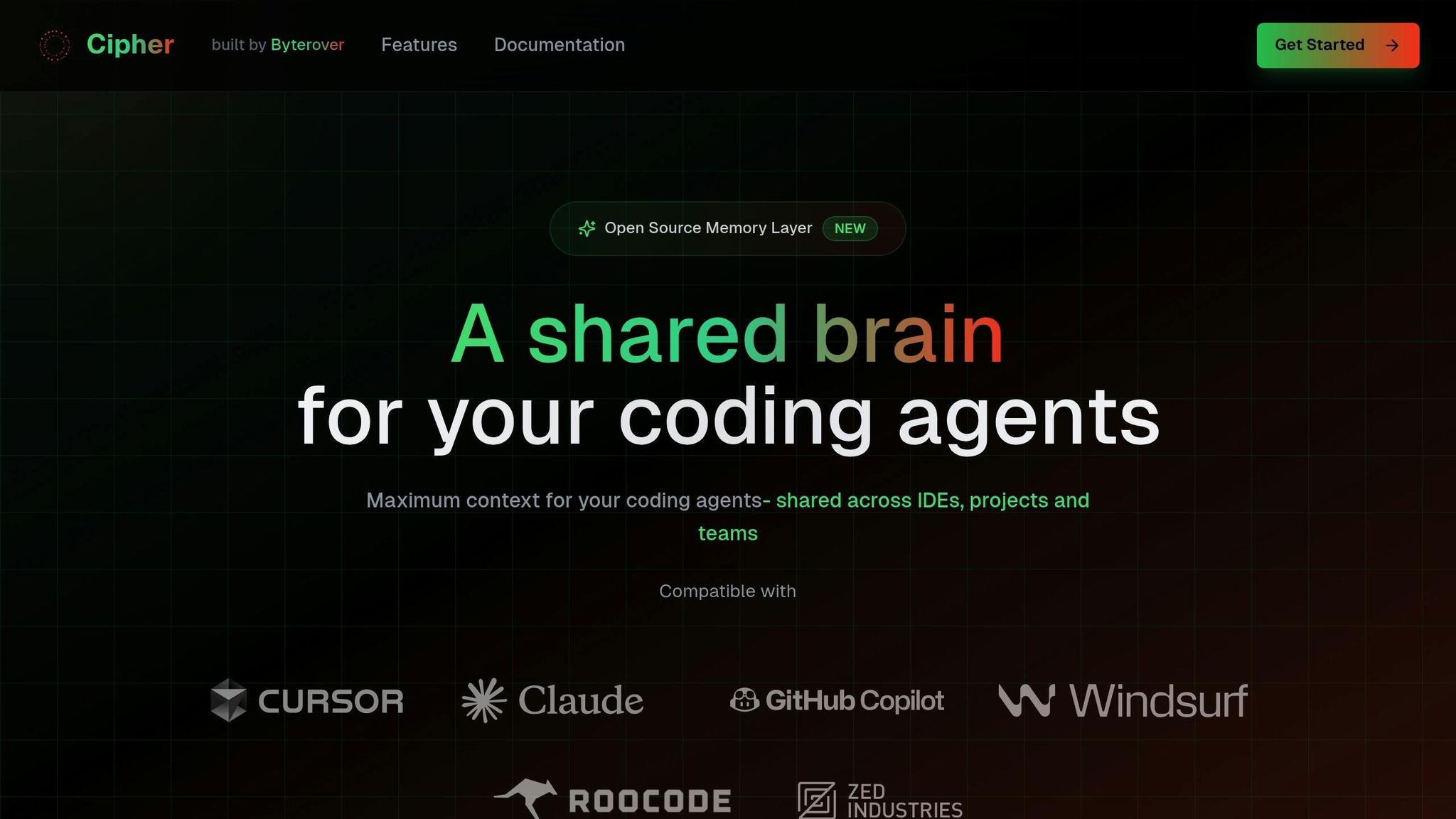
Cipher, much like CodeRide, solves the problem of losing track of past data by keeping a steady memory. Yet, it does this in its own way. Made by Rimantas Mocevicius, Cipher adds a smart memory layer that works with many AI tools and IDEs, changing and growing with your work.
Holding Memory
Cipher has a two-part memory setup, similar to human memory. Its System 1 is quick to spot patterns, while System 2 thinks it through step by step. This way, the AI keeps not just what was done, but also why.
For example, if you often fix CORS errors in a Vite + Express setup, you can store this fix in Cipher’s memory. The next time this issue pops up, the AI in Cursor will pull out this saved info, giving better answers and making the fix faster.
"It's like giving your AI a photographic memory, eliminating lapses in context recall." - Rimantas Mocevicius [3]
Understanding It All
Cipher’s Auto-Scaling Memories grow and sort your growing knowledge graphs, making even big projects easy to handle. It does more than remember file names or function bits - it shows links between code pieces and deep work rules.
Look at a React project, for instance. Picture a developer adding a rule in Cipher’s Workplace saying, "User must use JWT with new tokens." Later, another coder in VS Code uses this memory to quickly get and use the known needs. This shared info helps team work well and keeps all on the same page with the goals.
Making Tasks Better
Cipher learns how you work, getting better at knowing what you need next. Say you manage a big app and save API logic with CLI or API calls. If you later use Gemini CLI, Cipher fetches this info to drop tips that fit your setup best.
As Cipher grows with your code, its tips get better and fit your needs more. You get more steady and right code making because the AI knows not just what your code does, but also how it fits in the big project. This better memory is why Cipher works so well with IDEs.
Mixing With IDEs
Cipher links with tools like Cursor, VS Code, Claude Desktop, and Gemini CLI through MCP. No matter where you work, your work area stays the same. For example, in a Claude Desktop meet, Cipher can pull up its memory to offer tips that fit just right with what you need.
The Workspace Memory acts as a common place for teams, saving coding ways, top methods, and work rules live. This cuts down the time to bring new people in or tell about the project setup, letting all focus on making and bettering features.
"Cipher doesn't just add memory; it makes IDEs more adaptive, collaborative, and efficient - reducing the cognitive load on developers." - Rimantas Mocevicius [3]
sbb-itb-4fc06a1
Good and Bad Sides
When we talk about making coding work better, keeping context all the time is key. CodeRide and Cipher both aim to solve this, but they do it in different ways. Here's a deeper look at how these tools work with context and what it means for users.
CodeRide makes big projects easy by splitting them into small, clear jobs, cutting down on extra work - great for big groups. It gives strong support and new stuff often because of its business style. But, there's a downside: once the free trial ends, groups might have to pay more.
On the other side, Cipher uses two types of memory that mix smart guesses (System 1) with careful thought (System 2). This way is said to cut debugging time by 20-30% [3]. Plus, as it's open-source, Cipher lets users change it and use it freely without stress over fees.
But, both tools have their weak spots. CodeRide’s business way might push away those on a tight budget, and it could be too much for small groups in managing work. Cipher is free and you can change it, but setting it up is hard and it uses more computer power because of its two memory types.
Here’s a clear, side-by-side chart to help see the differences:
| Aspect | CodeRide Benefits | CodeRide Downsides | Cipher Benefits | Cipher Downsides |
|---|---|---|---|---|
| Cost | No cost in test phase | Might have fees after test phase | Always free | None |
| Setup | Easy to put in place | Not much room to change things | You can change a lot | Hard to start |
| Memory System | Made for specific tasks | Just one way to do it | Two types of memory | Uses a lot of power |
| Team Collaboration | Helps teams stay on the same page | No space for teams to work at the same time | Special memory area for teams | Needs technical work |
| IDE Support | Good with well-known IDEs | Only works with some platforms | Works with many IDEs | Might need you to set it up |
| Maintenance | You get expert help | Depends on the seller | Help from users | You have to keep it up |
For firms, CodeRide’s built setup and expert help make it a good choice. Cipher’s free model works well for those who want freedom, low costs, and the chance to change the tool to fit their own work ways.
That said, it's harder to learn one than the other. CodeRide’s design focuses a lot on making tasks easier, which means you need to know some things about how to manage projects. Cipher, on the other hand, needs you to understand its two-way memory setup and might need more tech work to run well.
In their own ways, both tools show how key smart AI is becoming in changing how coding jobs are done. Each has good points and bad points, so the pick depends on what the user needs and knows in tech.
Last Thoughts
The world changes, and now, how we code changes too. The ways to beat the forgetfulness of old details vary. The best tool changes with what the team or task needs, yet both options here have good things to offer.
CodeRide draws attention with its easy-to-use, job-centered program setup and expert help. This is really good for big work places where smooth work flow and strong help are important. Plus, you can try all its key parts for free at first.
On the other side, Cipher brings a two-way memory that lets you tweak and change it deeply. This is better for coders who like to adjust their tools and can handle more complex setups.
For coders in the U.S., the choice often comes down to what the group aims to achieve. Big teams with money to push fast work may pick CodeRide’s well-made style. But, lone coders or smaller groups who like to customize might like Cipher more.
Now, having ongoing context is not just nice to have - it’s a big part of today's coding. As AI help in coding gets better, tools that get and keep a deep project knowing and cut down on mental stress will be key in upping work output. The final pick really depends on what fits best with how a team works and what they need most.
FAQs
How does lasting set-up in AI-IDE tasks make coding fast?
Lasting set-up in AI-IDE tasks really lifts coding speed. By letting AI coding helpers keep a full view of the whole work, the ones who make the code do not have to keep adding set-up again. This cuts down breaks and keeps the code work going well.
When AI tools hold the whole look of a work, they can make more right and set-up-wise code. They can also offer better quick fixes and keep things same in many jobs. The end? Quick job done, less errors, and a smooth coding time that lets coders do more with less fuss.
How is CodeRide's way of managing project data different from other AI coding tools?
CodeRide uses a new way by giving AI coding helpers full project data. This helps them do tasks well, make smart code, and keep a steady coding style. By holding and loading all the code, CodeRide makes sure that AI helpers always see the whole project, missing the traps of broken understanding.
While many tools just look at keeping tech memory, CodeRide does more by looking at the entire scene. This method makes work flow well, keeps things clear for coders, and fits well with well-known IDEs, making coding work faster.
What issues could come up when using Cipher's two-part memory in work setups?
Using Cipher's dual memory setup brings its own troubles. First, keeping both parts of the memory in sync can be hard. This might make things complex and cause delays or more work for the system. If these parts don't match up, they could show old data or slow things down, which can mess up coding jobs.
Another issue is memory getting split up, which can mess with the flow of work and make things less smooth. To fix these problems, careful setting up and fine-tuning are key. This makes sure the system works well and uses the ongoing memory in AI-helped coding best.
Ready to transform your AI development workflow?
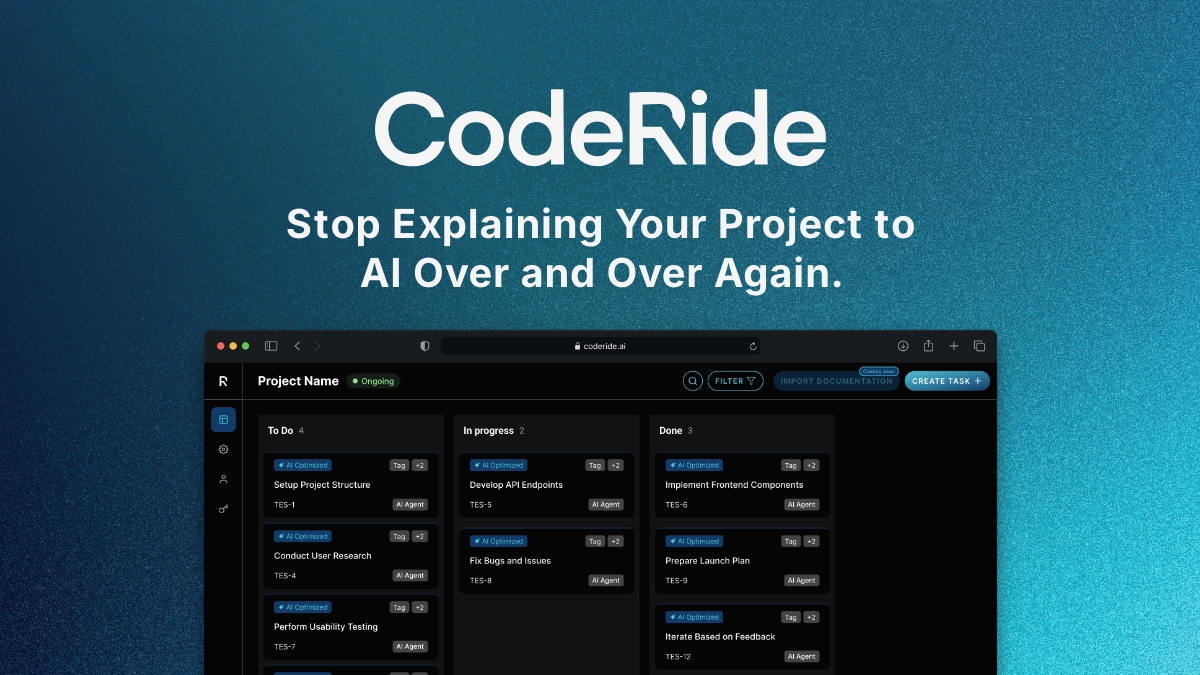
Experience seamless AI development with CodeRide. Eliminate context reset and build better software faster.
Share this article