
The Vibe Coding Stack: 11 Tools for a More Natural AI Development Workflow in 2025
A practical, curated guide to the best vibe coding stacks that deliver persistent context, project continuity, and incremental development—without prompt bloat or session resets.

Quick navigation
You’ve been there. You’re deep in a coding session with your AI assistant, the back-and-forth is seamless, and you’re making real progress. Then you close your laptop for the day. When you return, the magic is gone. The AI has forgotten everything. You’re back to square one, feeding it context, re-explaining the architecture, and trying to recapture the “vibe” of your last session.
This cycle of context-loss is the single biggest bottleneck in AI-assisted development today. But what if there was a better way? What if your AI could remember your project, not just your last conversation? This is the promise of vibe coding, an AI development workflow where persistent context and project continuity are not just features, but the very foundation of the development process.
If you’re tired of bloated prompts and endless restarts, you’ve come to the right place. We’ve curated a practical set of tools and patterns developers use successfully today to achieve incremental development without the frustration of context loss. This isn't just another list; it's a practical guide to building a development stack that feels less like a series of one-off conversations and more like a continuous collaboration.
Here are 11 tools for vibe coding that deliver persistent context, project continuity, and incremental development—without prompt bloat or chat restarts.
Key Takeaways
- Persistent context across sessions (no resets)
- Project continuity with whole-codebase memory
- Incremental development via structured task progression
- Eliminate prompt bloat and chat restarts
The Cornerstones of Vibe Coding: Tools for Persistent Context
At the heart of any effective vibe coding workflow is a system that can absorb, retain, and reason about your entire codebase. These tools are the foundation of your project’s long-term memory.
1. CodeRide: The Purpose-Built Vibe Coding Engine
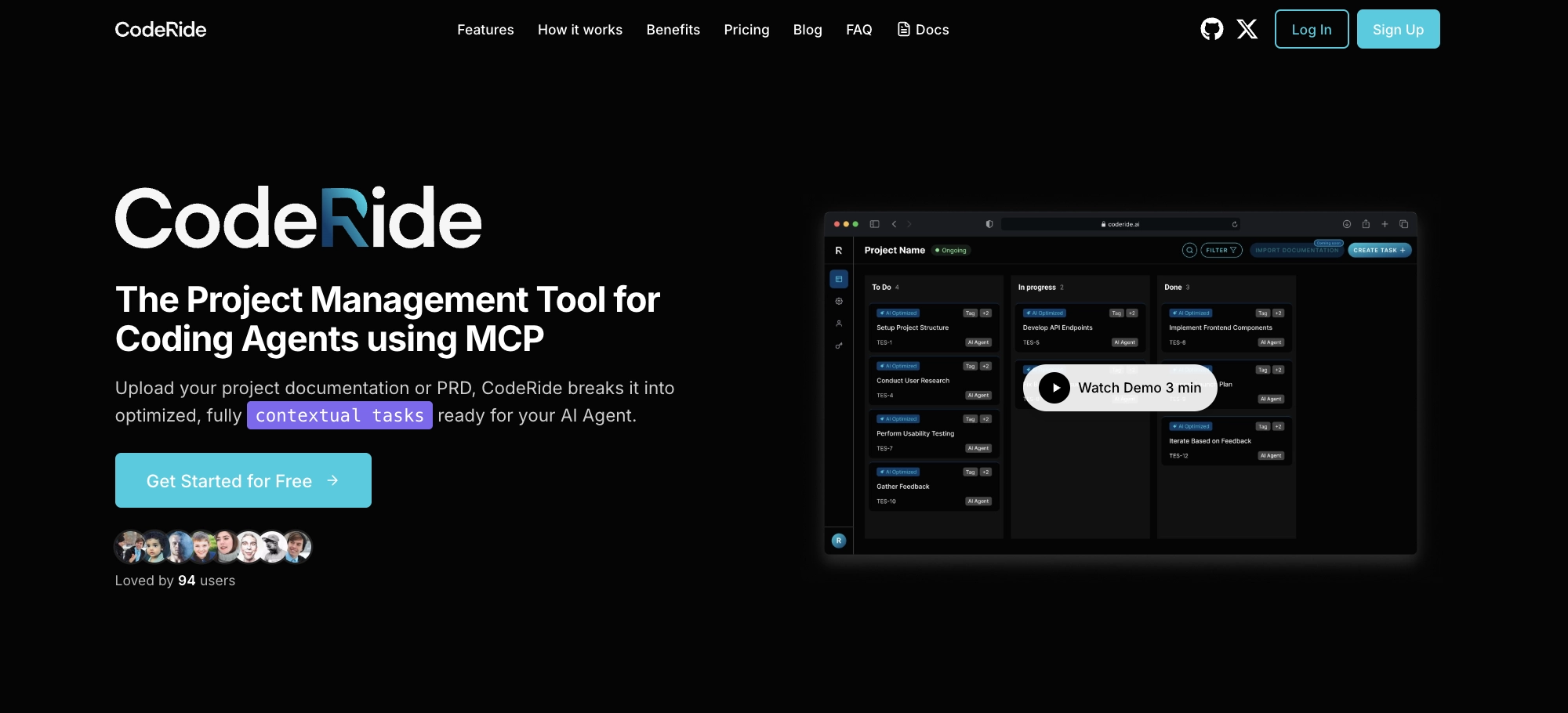
Takeaway: Best for persistent context and project continuity; enables incremental development without prompt bloat.
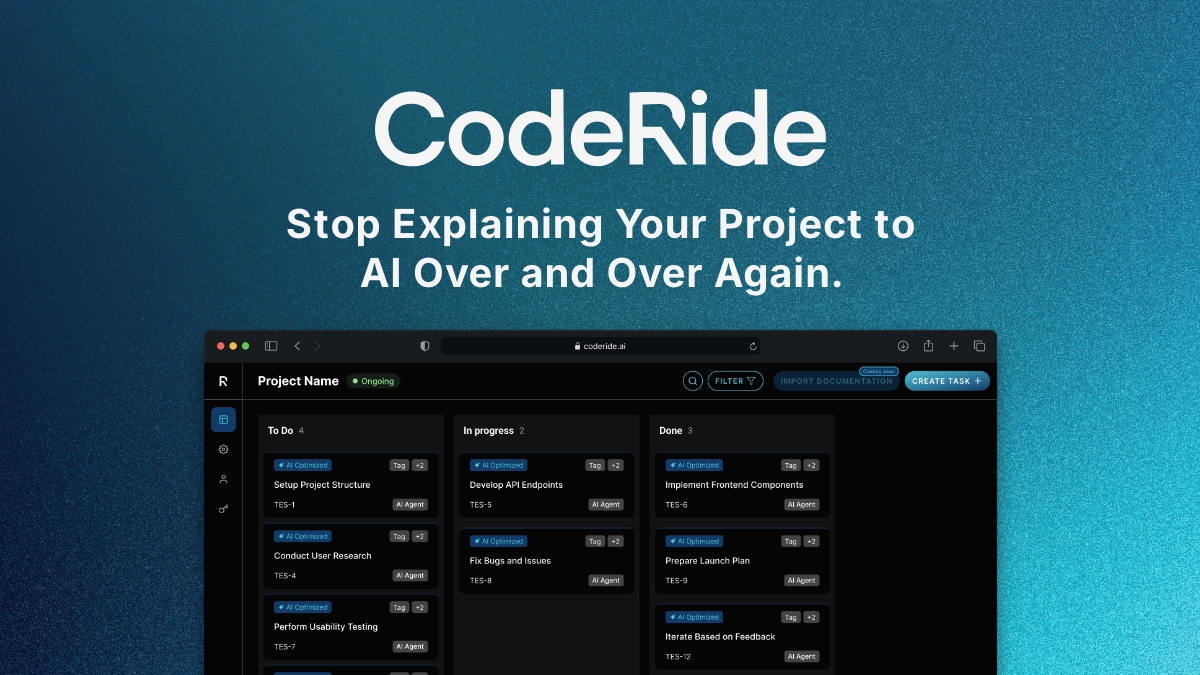
If persistent context and project continuity are your top priorities, CodeRide is where you should start. It’s designed from the ground up to serve as your project’s durable memory, ingesting everything from your PRDs and architectural diagrams to your entire codebase. This whole-codebase understanding allows for truly incremental development, where every new feature is built with an awareness of the existing architecture and dependencies.
- What it is: A platform that provides a persistent memory layer for your AI development workflow.
- Why it matters for vibe coding: It eliminates the need to re-prime your AI with context, enabling seamless project continuity across unlimited sessions.
- Best for: Complex, long-running projects where architectural consistency is critical.
“This is just my go-to stop for vibe coding. I go in here and vibe code, start my agents, and they run.”
2. Sourcegraph Cody: Enterprise-Grade Code Intelligence
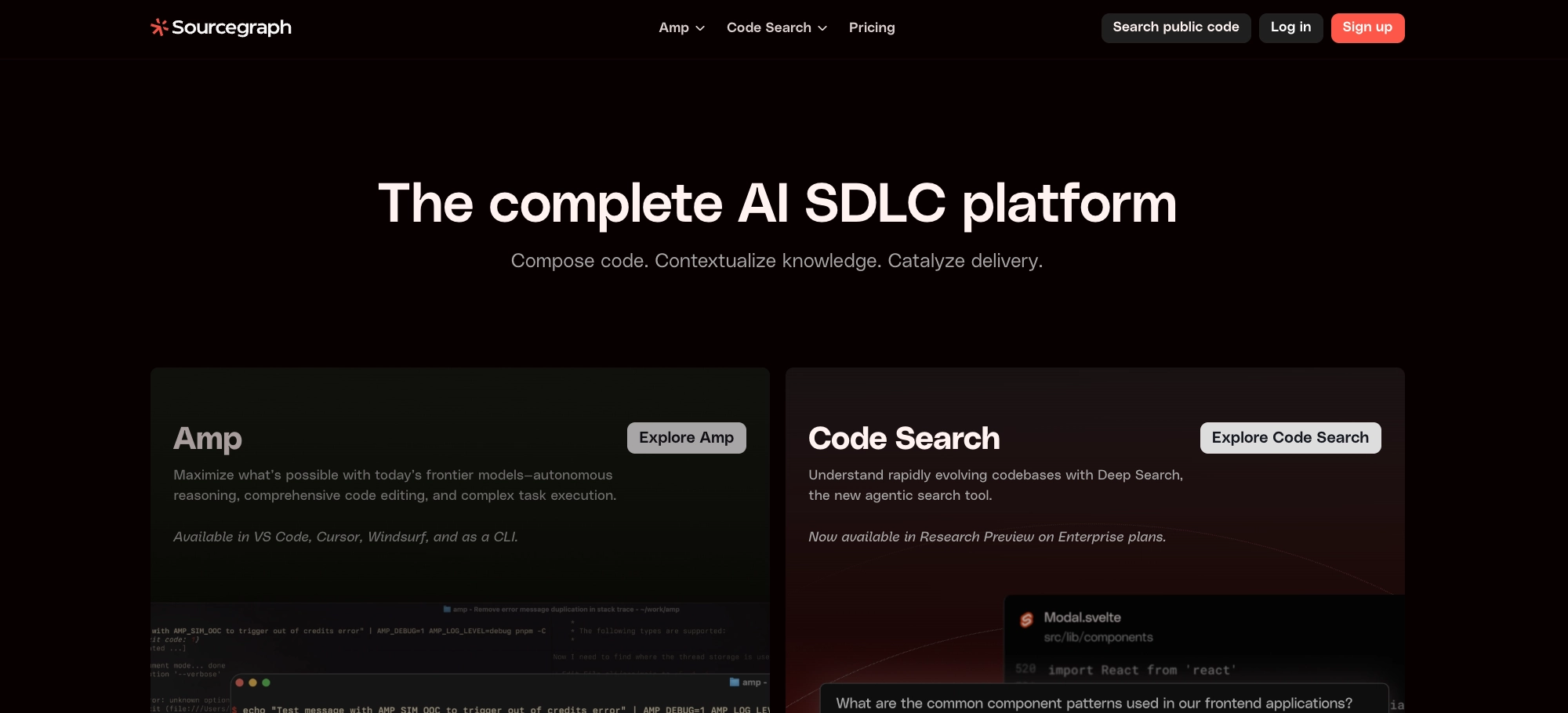
Takeaway: Enterprise-grade code context management for large monorepos to maintain project continuity and reduce context loss.
For teams working on massive, complex codebases, Sourcegraph Cody provides the intelligence layer needed for effective code context management. By creating a detailed graph of your code, Cody enables your AI to understand dependencies and navigate even the most sprawling monorepos with ease. Its focus on security and compliance also makes it an ideal choice for enterprise environments.
- What it is: An AI coding assistant with deep codebase awareness and enterprise-grade security.
- Why it matters for vibe coding: It ensures that even in a large-scale environment, your AI is operating with a comprehensive understanding of the code.
- Best for: Enterprise teams with large monorepos and stringent security requirements.
The Real-Time Collaborators: Tools for the Inner Loop
With a foundation of persistent context in place, the next step is to integrate AI into your real-time, in-editor workflow. These tools are your day-to-day partners in the vibe coding process.
3. Cursor: The AI-First Editor
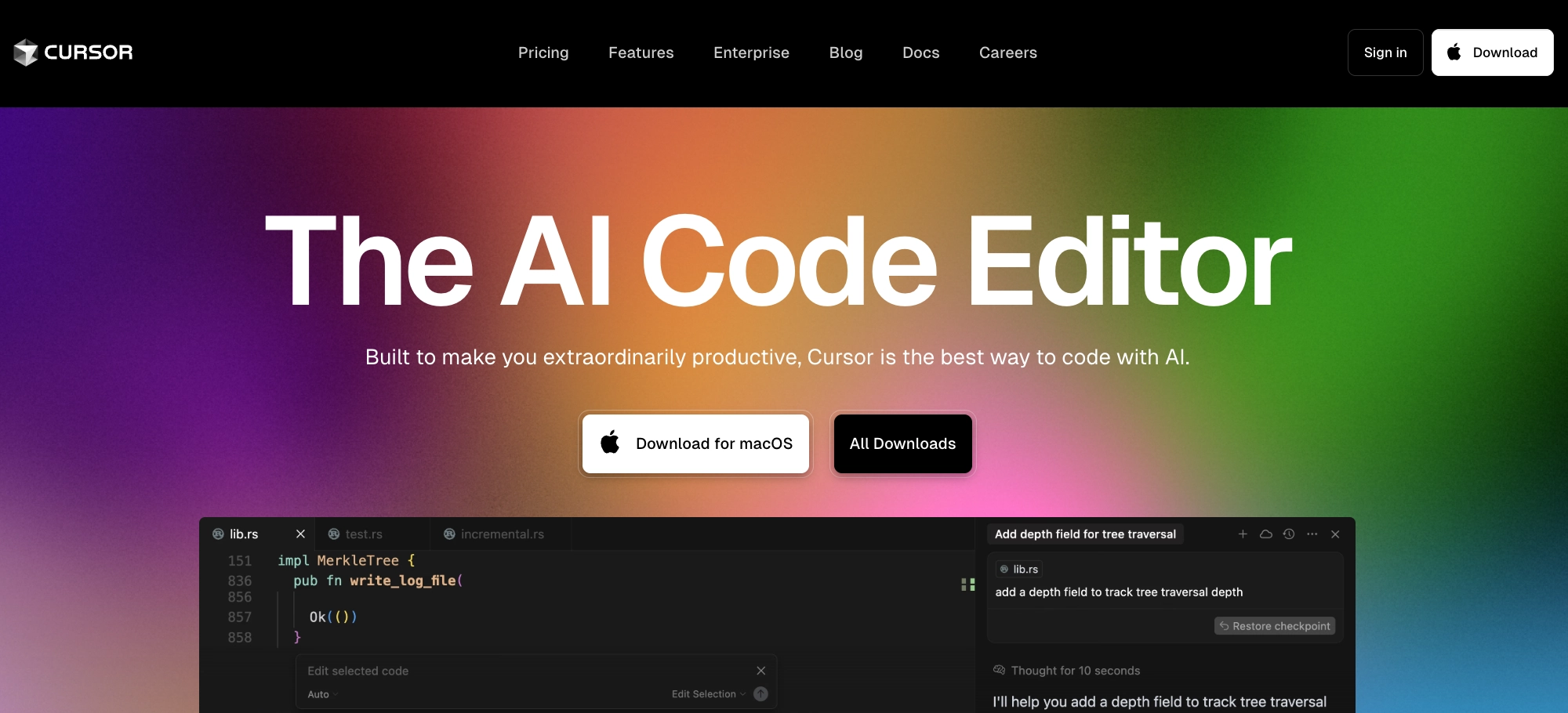
Takeaway: AI-first editor for fast, iterative development; pair with persistent context to preserve continuity.
Cursor reimagines the code editor as a native AI environment. Its multi-file awareness and tight feedback loops make it a powerful tool for the inner loop of development. While its session memory can be ephemeral, pairing it with a persistent context system like CodeRide creates a powerful combination of long-term memory and short-term agility.
- What it is: A code editor built from the ground up for AI-assisted development.
- Why it matters for vibe coding: It brings the power of AI directly into your editing experience, speeding up the implementation of new features.
- Best for: Real-time implementation and fast, iterative editing.
4. GitHub Copilot Workspace: The Hub of Your GitHub Flow
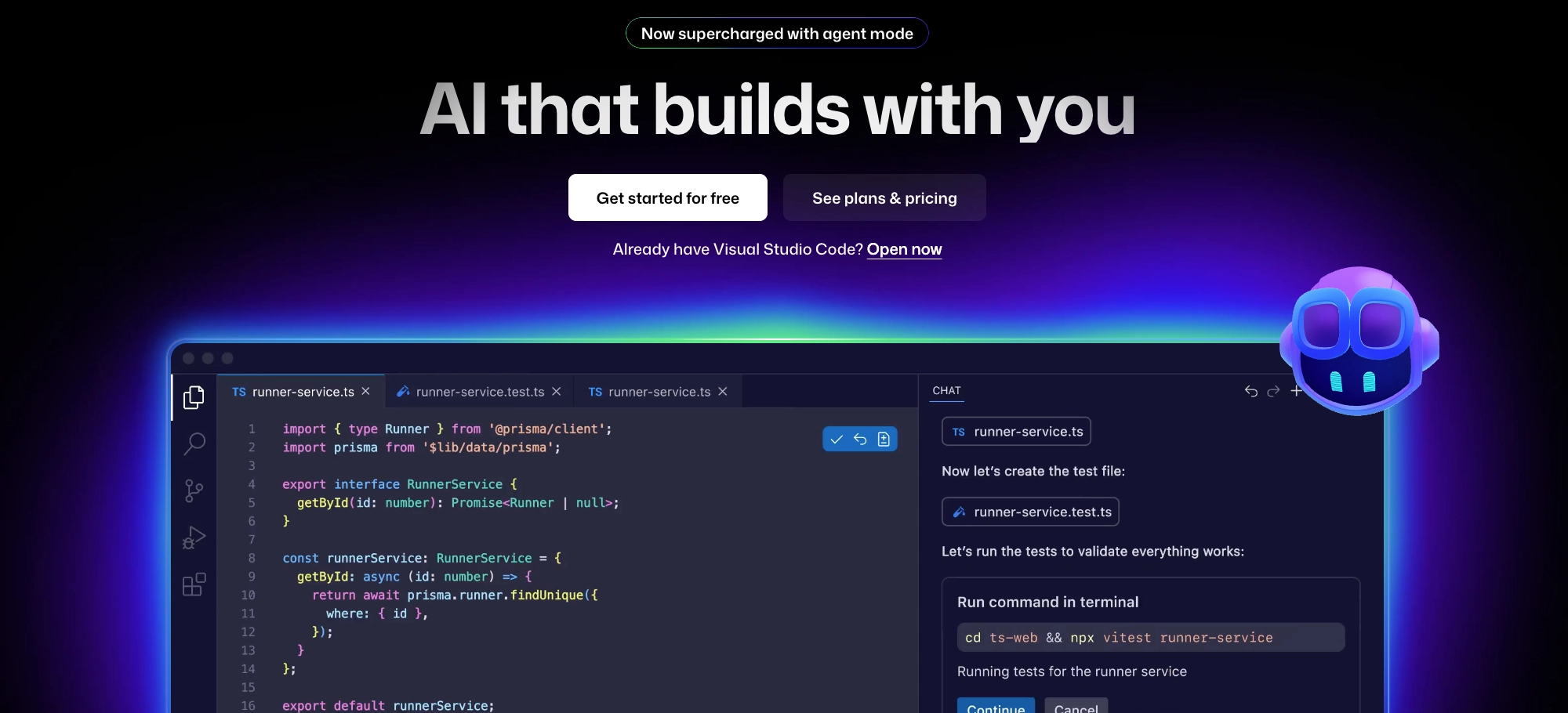
Takeaway: GitHub-native workflow hub that leverages repo history for structured task progression.
For teams that live and breathe GitHub, GitHub Copilot Workspace is a natural fit. By drawing context from your repository's history, issues, and pull requests, it creates a shared awareness that aligns with your team's existing workflow. This native integration makes it a powerful tool for collaborative, issue-driven development.
- What it is: An AI-powered development environment that’s deeply integrated with the GitHub ecosystem.
- Why it matters for vibe coding: It leverages the rich context of your GitHub repository to inform the development process.
- Best for: Teams that are deeply embedded in the GitHub ecosystem.
The Specialists: Tools for Niche Workflows
Not every development workflow is the same. These tools are designed to bring the power of vibe coding to specialized environments, from the command line to the browser.
5. Aider: The Terminal-Native Assistant
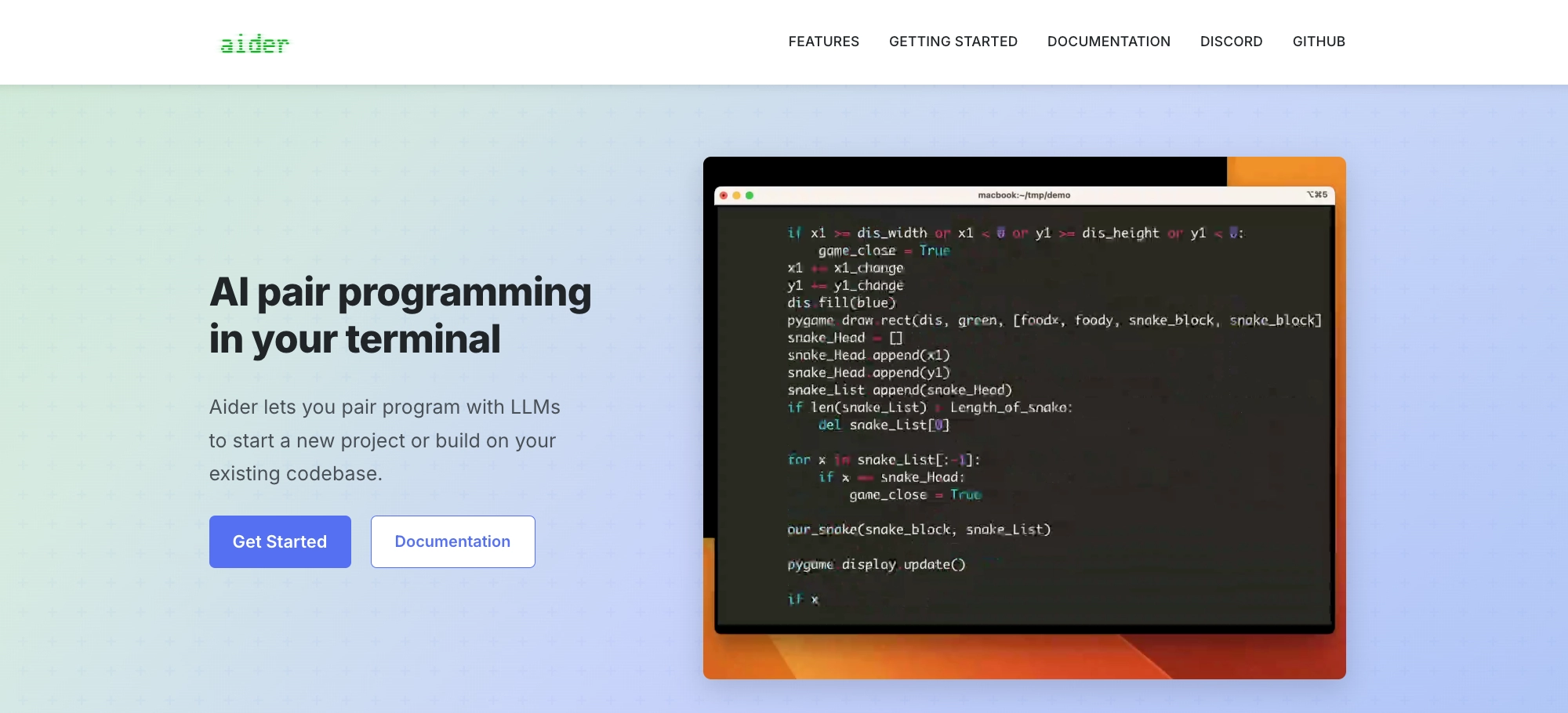
Takeaway: Terminal-native multi-file edits with reviewable diffs—ideal for iterative development with explicit context.
For developers who live in the terminal, Aider is a powerful command-line assistant. Its strong Git integration and multi-file editing capabilities allow you to perform complex changes with a simple, declarative syntax. It’s a perfect fit for a terminal-first workflow, providing explicit, reviewable diffs for every change.
- What it is: A command-line AI assistant with deep Git integration.
- Why it matters for vibe coding: It brings the power of AI to a terminal-native workflow, enabling complex, multi-file edits without leaving the command line.
- Best for: Developers who prefer a terminal-first workflow.
6. Continue.dev: The Open-Source Option
Takeaway: Open-source, self-hosted control over models and context; tailored to bespoke AI development workflows.
For teams that prioritize customization and control, Continue.dev offers an open-source, model-agnostic solution. It requires more setup than a managed platform, but it rewards you with the flexibility to tailor the AI's behavior and control your data.
- What it is: An open-source platform for building a custom AI development workflow.
- Why it matters for vibe coding: It provides the flexibility to build a bespoke vibe coding stack that meets your team’s unique needs.
- Best for: Technical teams that want to build a highly customized, self-hosted solution.
7. Replit Agent: The Browser-Based Prototyping Tool
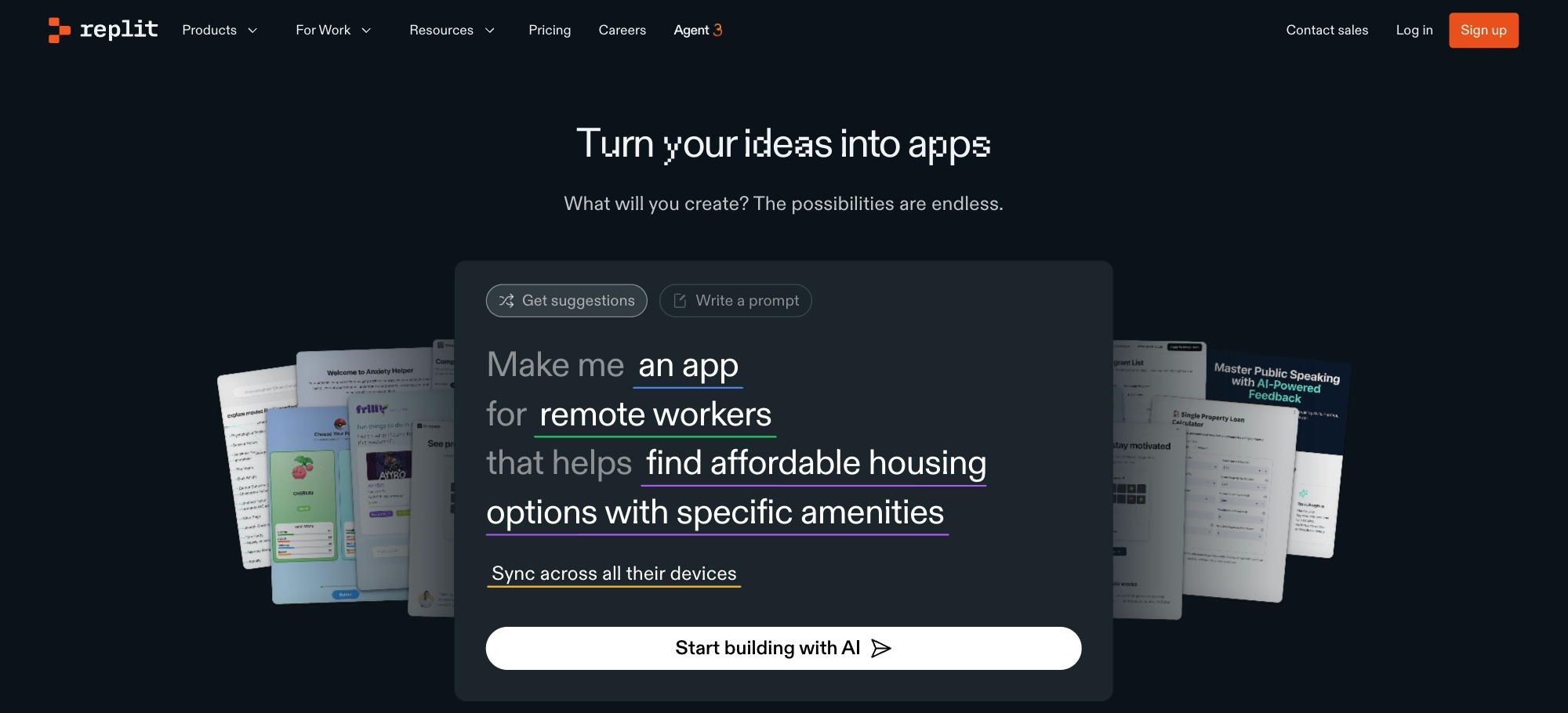
Takeaway: Fast browser-based prototyping to test ideas incrementally without local setup.
When speed is of the essence, Replit Agent provides a hosted, browser-based environment that lets you start coding in seconds. It’s an excellent choice for prototyping, educational purposes, and collaborative experiments, allowing you to quickly test ideas without the overhead of a local development environment.
- What it is: A hosted AI development environment that runs entirely in your browser.
- Why it matters for vibe coding: It provides a low-friction way to experiment with new ideas and collaborate in real-time.
- Best for: Rapid prototyping and collaborative coding sessions.
And a Few More to Watch...
The world of AI development tools is constantly evolving. Here are a few other tools that are pushing the boundaries of what’s possible in a vibe coding workflow:
- Claude + Artifacts: A powerful conversational AI that’s great for design, documentation, and architectural sketching.
- Windsurf Editor: A balanced, AI-native IDE that’s a great choice for teams transitioning from traditional editors.
- Tabnine: A privacy-focused autocomplete tool that provides intelligent code completions.
- PearAI: An experimental platform that’s exploring the cutting-edge of AI-powered development flows.
The Vibe Coding Stack at a Glance
| Tool | Persistent Context | Codebase Reading | Project Continuity | Workflow Integration | Best For |
|---|---|---|---|---|---|
| CodeRide | ⭐⭐⭐⭐⭐ | ⭐⭐⭐⭐⭐ | ⭐⭐⭐⭐⭐ | ⭐⭐⭐⭐⭐ | Complex long-term projects |
| Cursor | ⭐⭐⭐ | ⭐⭐⭐⭐ | ⭐⭐⭐ | ⭐⭐⭐⭐ | Real-time coding |
| GitHub Copilot Workspace | ⭐⭐⭐⭐ | ⭐⭐⭐⭐ | ⭐⭐⭐⭐ | ⭐⭐⭐ | GitHub-native teams |
| Continue.dev | ⭐⭐⭐ | ⭐⭐⭐ | ⭐⭐⭐ | ⭐⭐⭐⭐ | Open source customization |
| Replit Agent | ⭐⭐ | ⭐⭐⭐ | ⭐⭐⭐ | ⭐⭐⭐⭐ | Rapid prototyping |
| Aider | ⭐⭐⭐ | ⭐⭐⭐⭐ | ⭐⭐ | ⭐⭐ | Terminal-native |
| Claude + Artifacts | ⭐⭐ | ⭐⭐ | ⭐⭐ | ⭐⭐ | Conversation-driven workflows |
| Windsurf Editor | ⭐⭐⭐ | ⭐⭐⭐ | ⭐⭐⭐ | ⭐⭐⭐ | IDE transition |
| Sourcegraph Cody | ⭐⭐⭐⭐ | ⭐⭐⭐⭐⭐ | ⭐⭐⭐⭐ | ⭐⭐⭐ | Enterprise codebases |
| Tabnine | ⭐⭐ | ⭐⭐⭐ | ⭐⭐ | ⭐⭐⭐⭐ | Autocomplete speed |
| PearAI | ⭐⭐ | ⭐⭐ | ⭐⭐ | ⭐⭐ | Experimental |
How to Build Your Own Vibe Coding Stack: A 4-Week Roadmap
Ready to make the switch? Here’s a practical, week-by-week guide to implementing a vibe coding workflow in your own projects.
- Week 1: Lay the Foundation. Start by auditing your current workflow. Where are the points of friction? Once you’ve identified the biggest pain points, choose your primary stack and begin seeding your project’s memory. This includes your PRDs, architectural diagrams, and core modules.
- Week 2: Build Your Habits. With your foundation in place, it’s time to establish the habits that will make your new workflow stick. Create repeatable templates for common tasks and set up clear review gates to ensure that every new piece of code is aligned with your project’s architecture.
- Week 3: Connect Your Tools. Now it’s time to wire your tools together. Establish clear naming conventions, set up internal links, and create a system of tags to make it easy to navigate your project’s context.
- Week 4: Measure Your Success. How do you know if your new workflow is working? Track the metrics that matter: a reduction in the time you spend explaining context to your AI, an increase in your feature throughput, and a higher rate of session continuity.
With a dedicated effort, you should be able to achieve a ~70% reduction in context explanation time, a ~3x increase in feature throughput, and a ~90%+ session continuity rate.
Tools mentioned in this guide
- CodeRide — persistent context & project continuity
- Sourcegraph Cody — enterprise code intelligence
- Cursor — AI-first editor for iterative implementation
- GitHub Copilot Workspace — GitHub-native collaboration hub
- Aider — terminal-native multi-file edits with Git diffs
- Continue.dev — open-source, self-hostable customization
- Replit Agent — browser-based prototyping
- Claude + Artifacts — conversation + structured artifacts
- Windsurf Editor — balanced AI-native IDE
- Tabnine — privacy-first AI completions
- PearAI — experimental agentic workflows
The Bottom Line: From Conversation to Collaboration
The future of AI-assisted development isn’t about an AI that can write code; it’s about a workflow that allows you to build better code, faster. By shifting from a conversational model to a collaborative one, vibe coding allows you to maintain momentum, preserve architectural integrity, and, ultimately, ship more reliable software.
If you’re ready to move beyond the endless cycle of context loss and build a more natural, effective AI development workflow, it’s time to embrace the power of persistent context.
Prefer a deeper methodology dive first? Explore more articles on AI development workflow, persistent context, and project continuity on our blog.
Ready to get started? Try CodeRide’s persistent context system for free. Pair it with Cursor in your editor and GitHub for version control, and experience the power of a truly seamless vibe coding workflow.
Ready to transform your AI development workflow?
Experience seamless AI development with CodeRide. Eliminate context reset and build better software faster.
Share this article